
Document Management Software for Accountants
Securely organize, store, summarize, and collaborate on client documents with Mango's document management software. Centralize your files in a system designed to keep work moving and clients responsive.
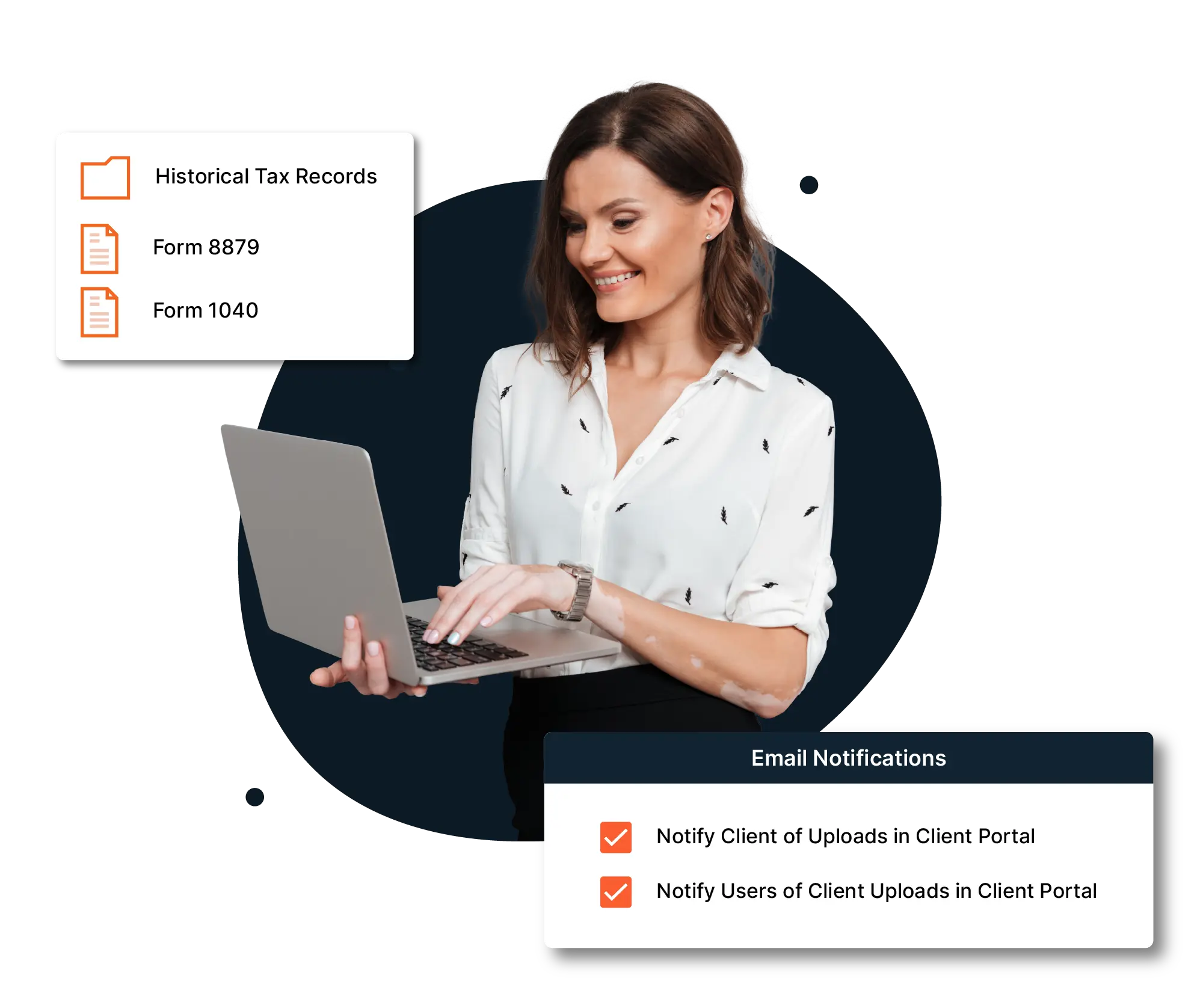
Purpose-built document management software that goes beyond simple file storage
Mango tightly connects your documents to the rest of your firm’s work, including workflows, projects, communication, and billing, so that files are actually usable, traceable, and meaningful.
Summarize Client Documents with AI
Mango's AI document summary reads your files and puts the important parts in one place. You can get up to speed on a long document without reading it page by page, then go to the full file when you need the details.
- Executive summary: Know what a document says at a glance. You get a short overview of the whole file for every supported document, so your team can get up to speed without reading it page by page.
- Key details: Find the important facts faster. AI pulls out key information like the parties involved, signers, and governing terms, so you don't have to search for them.
- Document outline: See the structure before you dig in. A bullet-point breakdown of the document's main points makes long files easier to scan and review.

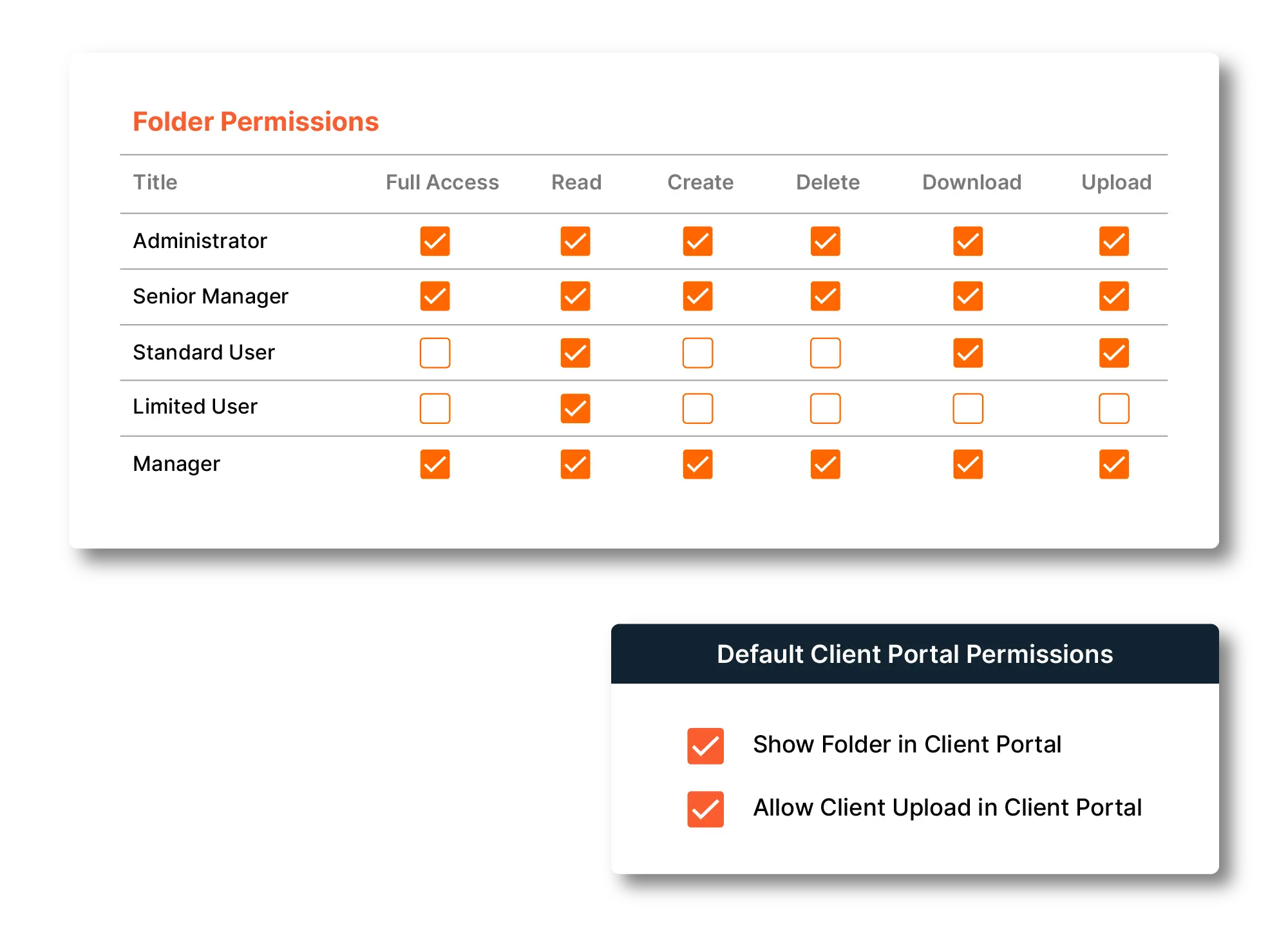
Ensure Security with Granular Permissions
Control access without slowing collaboration. Granular permissions let you define who can view, upload, or download documents at every folder level. Sensitive data stays protected while teams and clients stay productive.
Speed Up Your Work with Templates

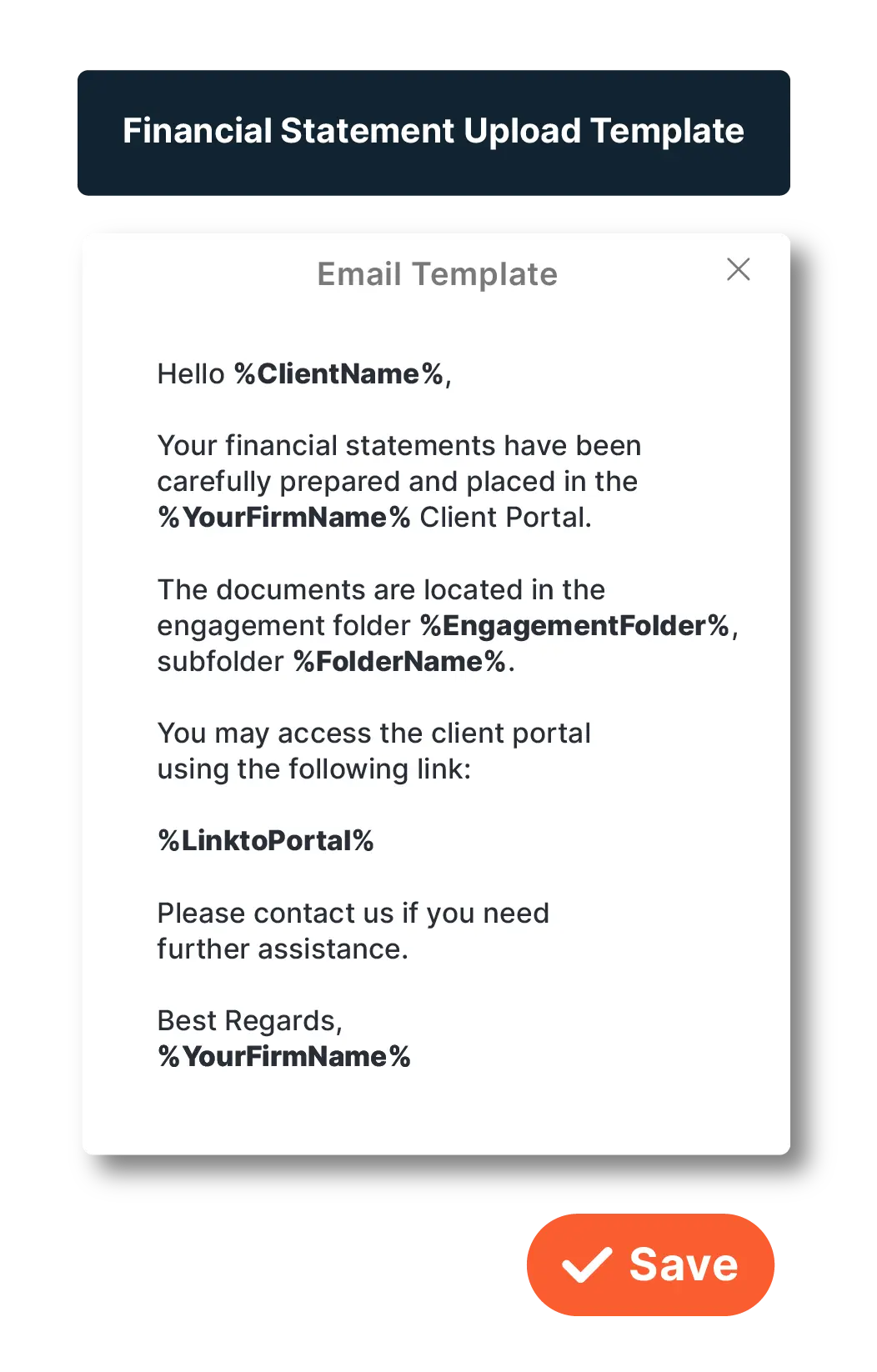
Custom HTML Email Templates
Standardize email templates for every engagement. Start organized, secure, and ready to move without reinventing the process each time.
Create Client Folder Templates
Assign templates individually or in bulk to support recurring work and expand Client Accounting Services (CAS) offerings.
For CAS teams, documentation management software maintains repeatable workflows, audit readiness, and service reliability across clients.

Benefits of Document Management Software for Accounting Firms
- Store and Access Files Securely: Keep documents centralized, encrypted, and aligned with strict privacy standards so you can reduce risk and protect client data.
- Organize Files by Client and Project: Automatically group related files together based on clients or engagements — no more digging through miscellaneous folders.
- Search and Retrieve Instantly: Advanced search tools make it easy to find any file by keyword, client name, date, or tag.
- Review Documents Faster with AI: Get a quick summary of any supported file, including an overview, key details, and an outline, so your team can understand long documents without reading every page.
- Reduce Email Attachments: Instead of sending files through email (and losing context), share links or client portal access to documents.
- Audit Trails and Version Control: Know who viewed or modified a file, and maintain a history of changes for compliance and accountability.
- Support Remote and Hybrid Work: Access documents from anywhere, helping your team stay productive whether in the office or working remotely.